Deadpan · iPhone · new
Your phone edits every photo before you see it.
Deadpan doesn't. Point, shoot, done — and the file you get is the picture you framed, not a decision an algorithm made on your behalf.
25 photos free. Then one payment, forever. No subscription.
Deadpan is a deliberately simple iPhone camera for people who photograph things rather than moments — resellers, makers, collectors, trades. It suppresses the frame-stacking and sharpening that smears printed text, masks the viewfinder to the exact shape you're saving, and locks exposure, focus and colour so every shot in a batch matches. It cannot record video. It is a one-time purchase with 25 free photos first.
The problem
You framed one thing. It saved another.
Press the shutter on a modern iPhone and it doesn't take a photograph. It takes a burst, aligns them, reduces the noise, sharpens the edges, rebalances the exposure, and hands you a composite of what the software decided the scene should have looked like. Usually that's fine. It is not fine when you're photographing something a stranger is about to pay money for.
Your phone's camera
- Re-meters colour on every frame, so item 1 and item 40 come out different shades
- Sharpens small text until serial numbers and care labels turn to mush
- Starts filming if you hold the shutter a beat too long — with no way to switch it off
- Saves an HDR gain map that makes photos blow out on listing pages
- Buries what you need under modes you'll never use
Deadpan
- Lock exposure and colour once, and every shot in the batch matches
- Frame stacking off, so printed text stays printed text
- No video capture in the app at all — the gesture has nowhere to go
- Plain sRGB files that look the same everywhere you upload them
- One screen. Viewfinder, shutter, three controls
The one button that matters
Lock it. Shoot forty things. They'll all match.
Automatic white balance re-reads the light for every frame. That's why a jumper photographed at the start of a session and one photographed twenty minutes later come out subtly different colours — and why buyers open a parcel and say it looked darker online.
Photographers have solved this for decades with a grey card and a manual white balance. Deadpan is the first phone camera to make it one tap.
Roughly a fifth of retail returns happen because the item looked different in the photo. Colour accuracy isn't a nicety.
-
Fill the frame with white paper
Any plain sheet, under the lights you're actually going to shoot in.
-
Tap the lock
It settles for a moment, turns amber, and shows the colour temperature it pinned.
-
Shoot the whole pile
Exposure, focus and colour stay exactly where you set them until you release it.
What it does
Everything you need. Nothing you don't.
On iPhone — the whole app
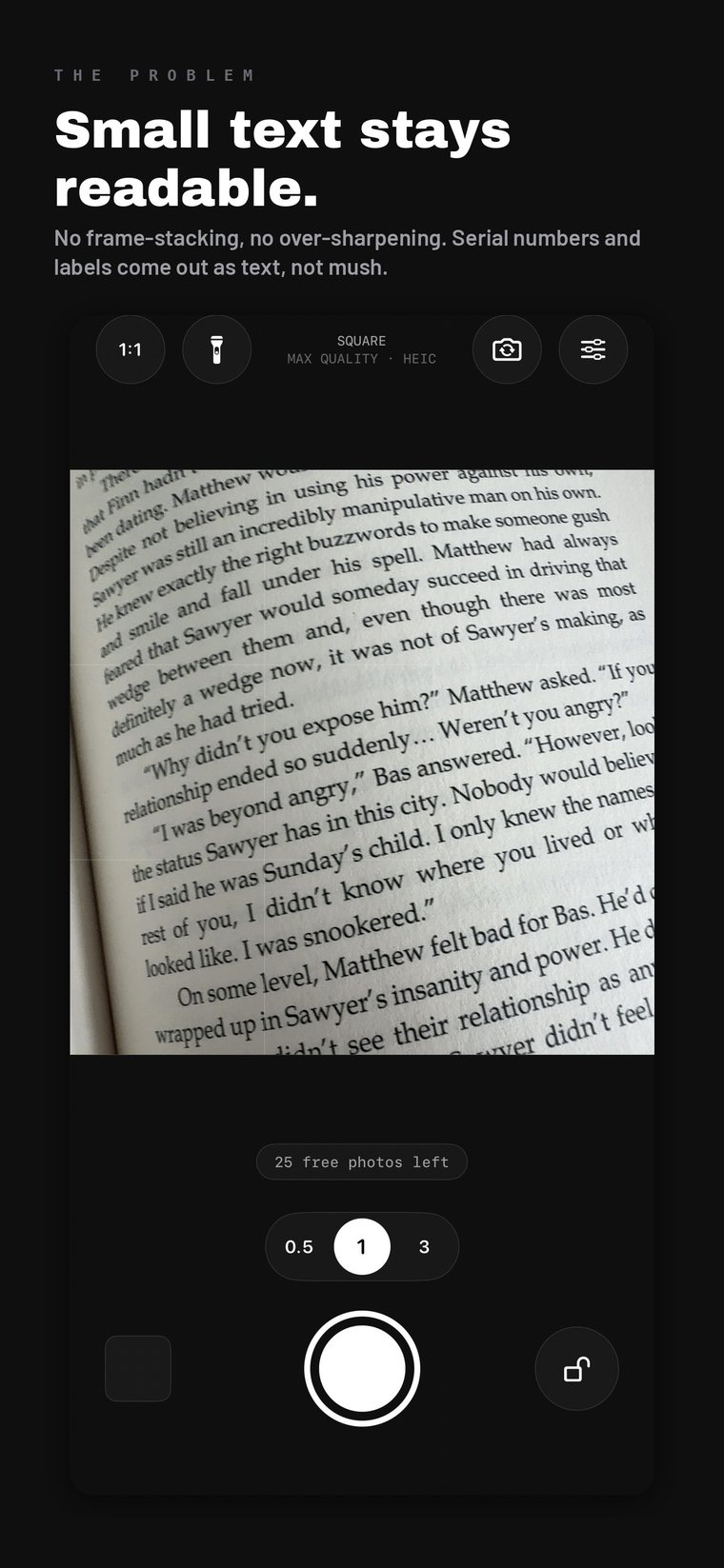
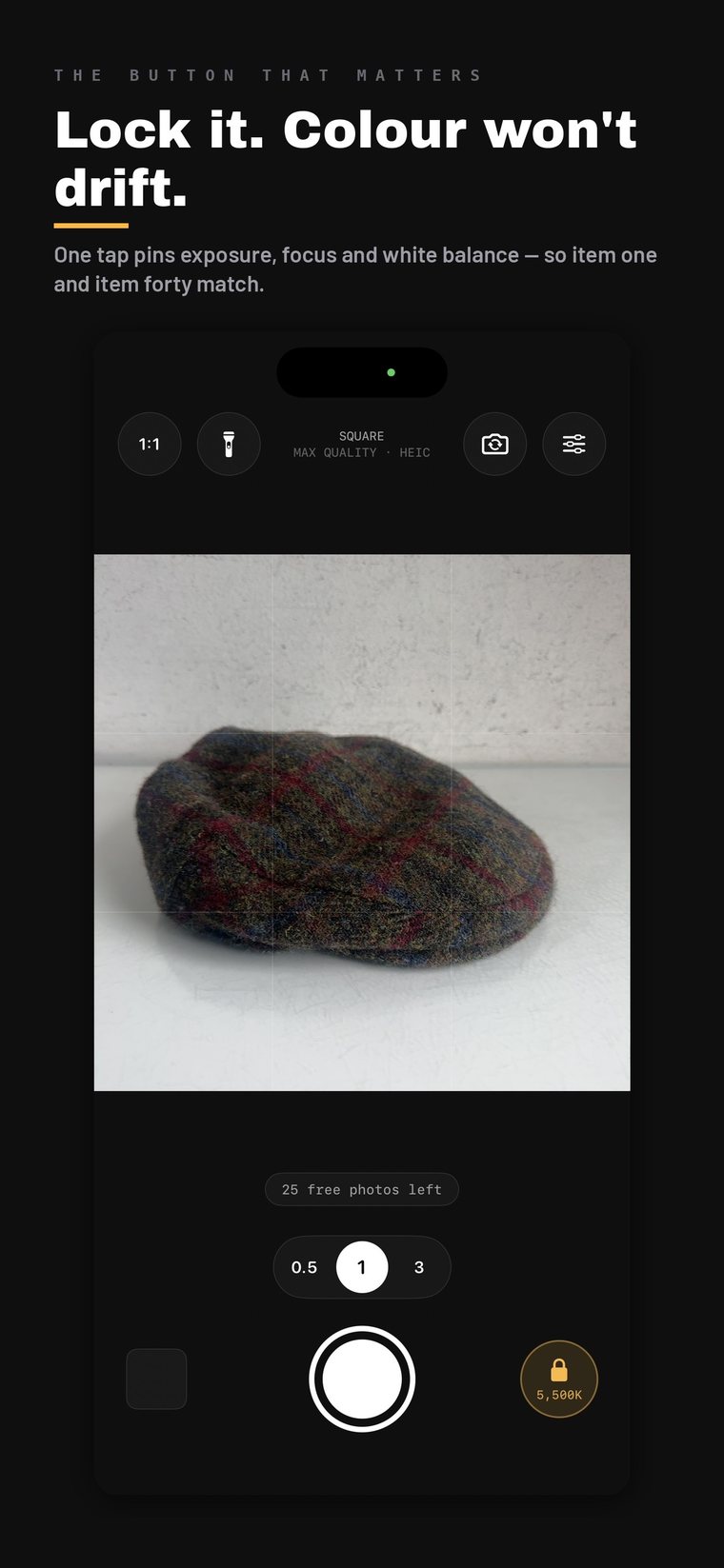
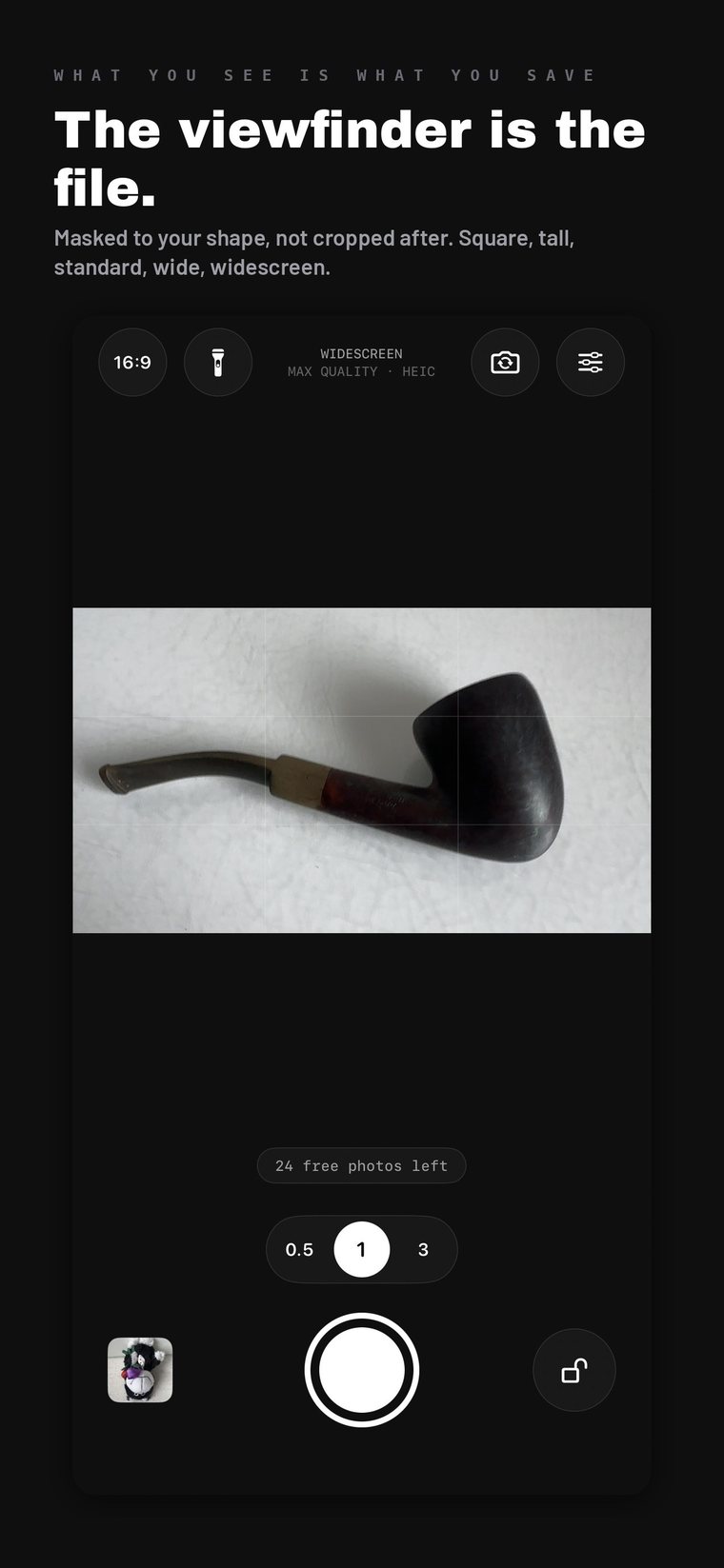
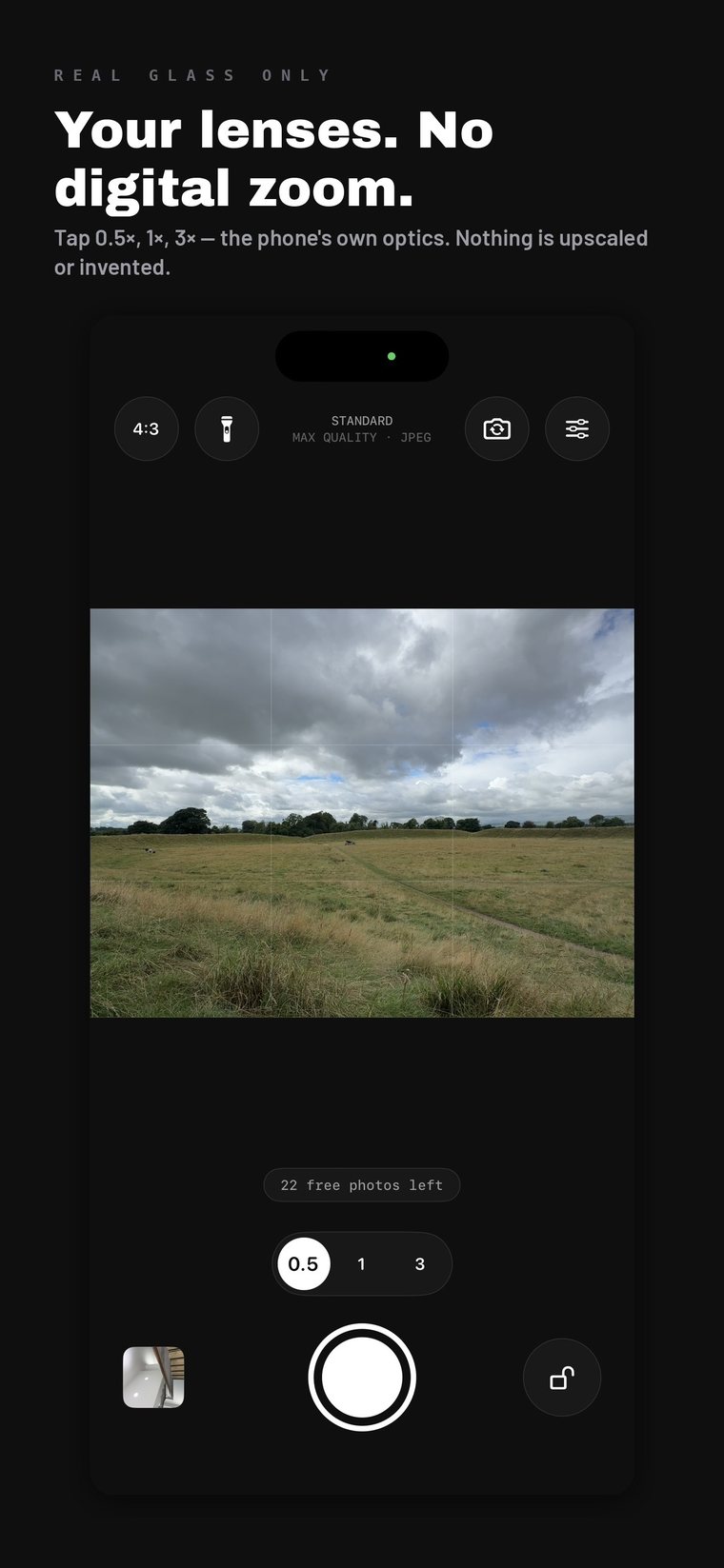
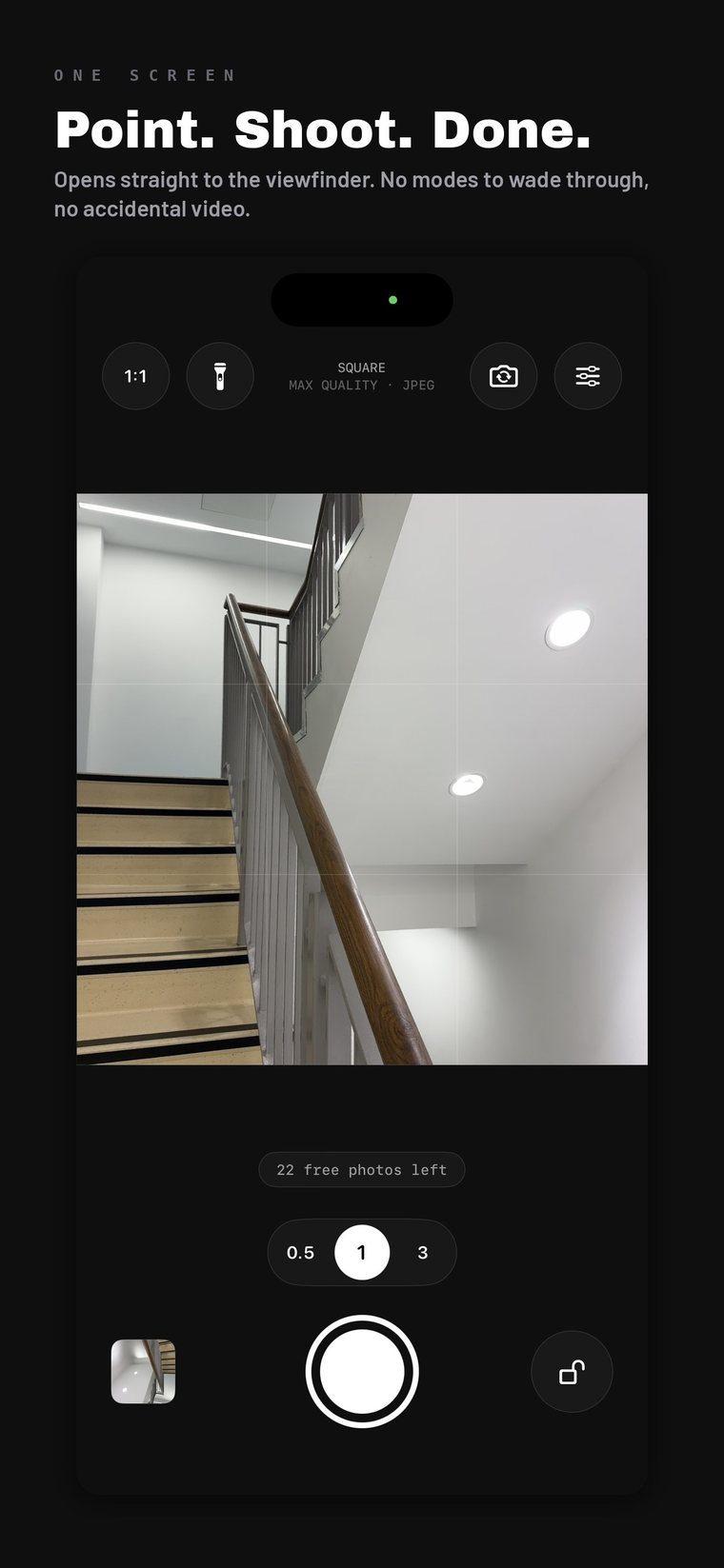
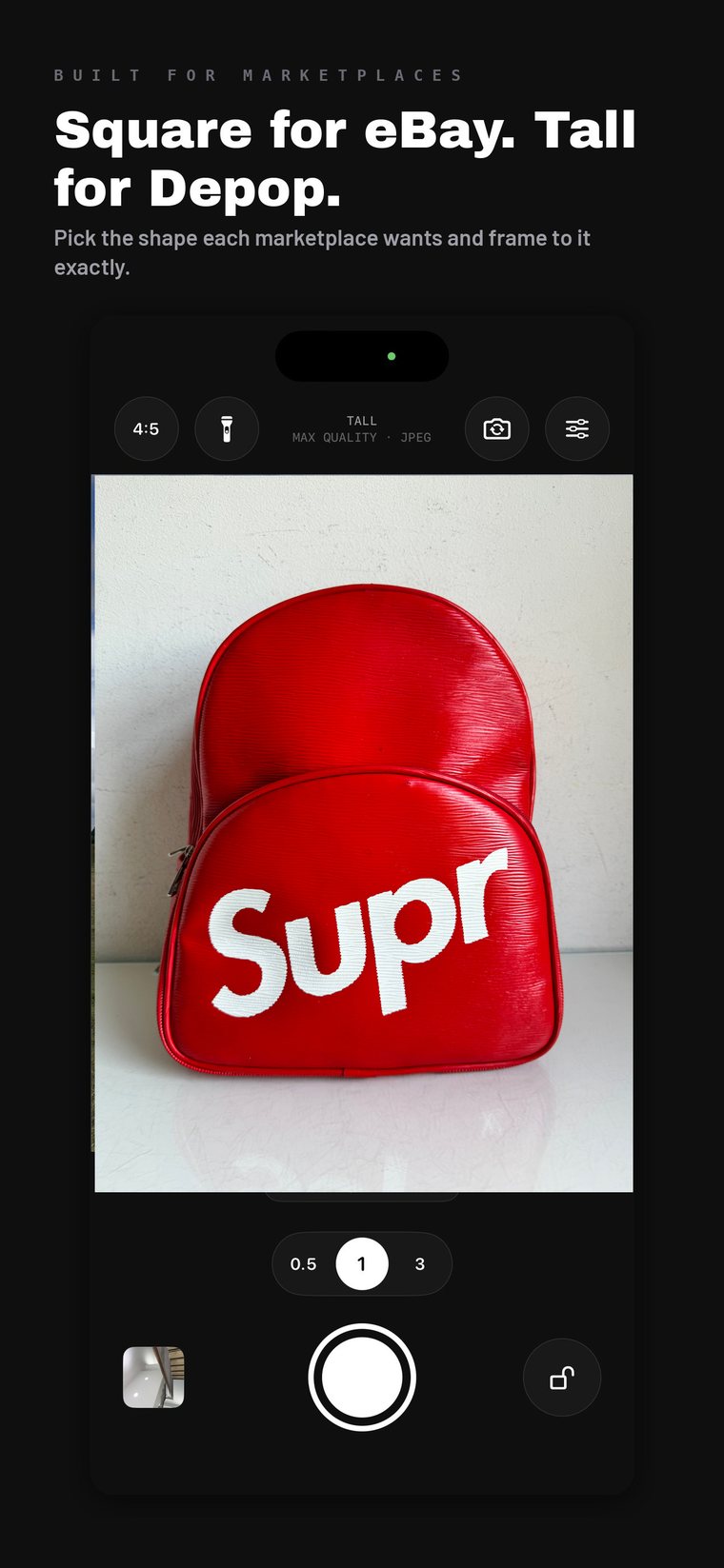
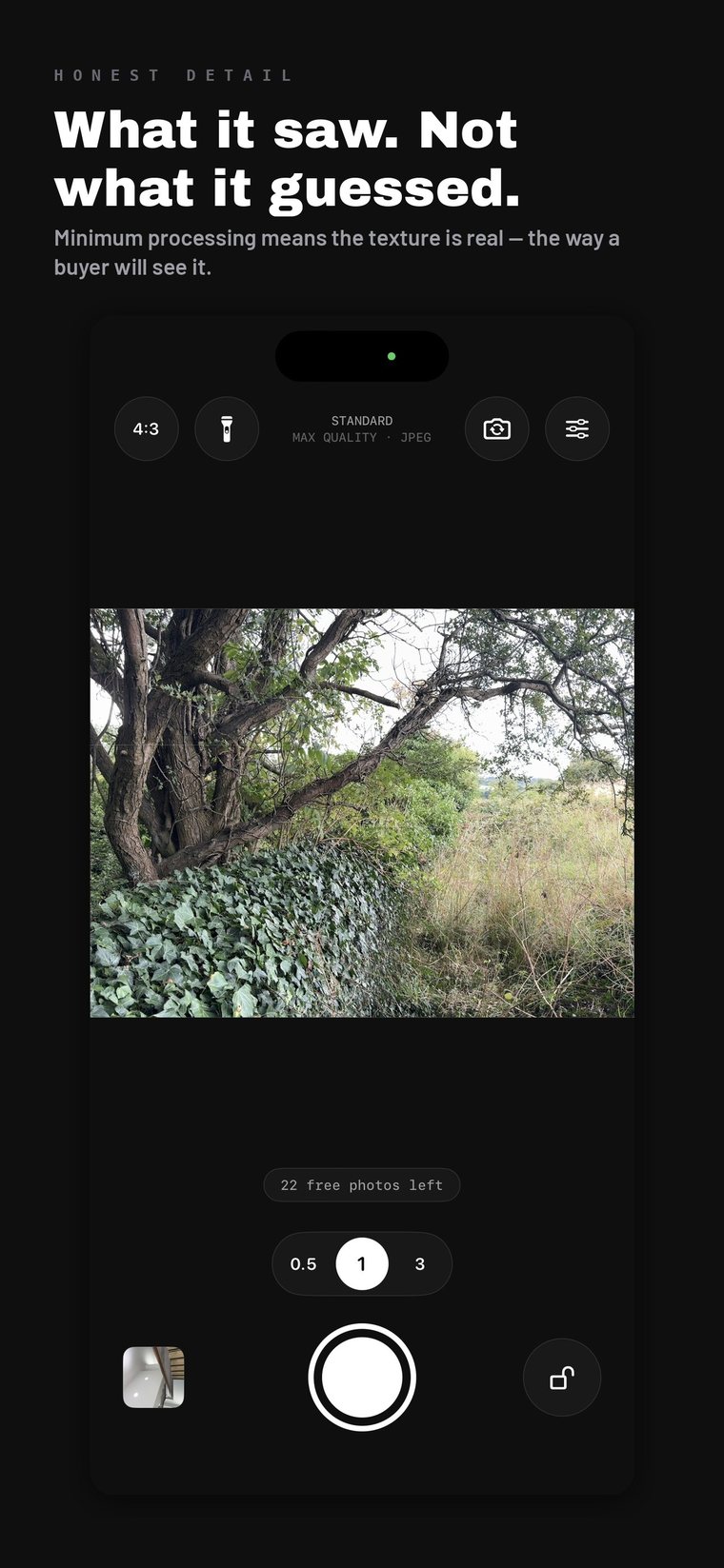
The viewfinder is the file
Pick a shape and the preview is masked to it, not overlaid with crop guides. What's lit is what gets saved. Square, tall, standard, wide, widescreen.
Sizes in plain English
Max quality, Marketplace, or Small. Marketplace is 1600 px — the size that switches on buyer zoom on eBay. No pixel arithmetic.
Opens instantly
Straight to a live viewfinder. No splash screen, no tips, no "what's new". Put it on your Action Button and it's the fastest camera on the phone.
Files that behave
Plain sRGB JPEG by default with no HDR gain map riding along, so a photo doesn't look right in Photos and then blow out on a listing page.
Real lenses only
Tap 0.5×, 1×, 2×, 5× — actual glass. No pinch zoom, because digital zoom is software inventing detail that was never there.
Saved where you want
Camera roll, its own album so listing shots stay out of your family photos, or straight into a folder in Files.
No location in your photos
Off by default. You photograph your stock at home, and a listing photo shouldn't carry your coordinates in it.
Volume button shutter
Fire it without looking, while your other hand is holding the thing you're photographing.
Nothing leaves the phone
No account, no cloud, no analytics, no adverts. App Store privacy label: Data Not Collected.
What it won't do
The list is the product.
Most apps advertise what they've added. This is what has been deliberately left out — and every line is enforced in the code, not just promised here.
- Hold the shutter down as long as you like. It will never start recording. There is no video capture in this app at all.
- No Live Photos.
- No filters, no beauty smoothing, no AI, no editing tools.
- No frame stacking. One press, one frame, minimum processing.
- No digital zoom.
- No account, no sign-in, no cloud.
- No adverts, no analytics, no tracking, no data collected of any kind.
- No subscription. Not now, not in version two.
Who it's for
Anyone who photographs a thing rather than a moment.
| Resellers | eBay, Vinted, Depop, Marketplace. Batch listing days where consistency across forty items is the whole job. |
| Makers & small brands | Etsy shops and anyone running their own product photography without a studio. |
| Collectors | Coins, cards, stamps, vinyl, watches. Where exact colour and fine detail are the value. |
| Trades & property | Before-and-after, snagging lists, damage evidence, inventory reports, insurance claims. |
| Artists | Photographing your own work without the phone reinterpreting your brushwork as noise. |
| Everyone else | Anyone who has ever taken a picture and been handed a video of the floor. |
Better together
Shoot it clean. Then cut the background.
Deadpan gives you an honest photo. StudioDrop turns it into a white-background listing image, on your own device, with no subscription and no upload.
They're two halves of the same afternoon: shoot the pile with the lock on so every item matches, then drop the folder into StudioDrop and get ready-to-list images back.
- Deadpan — capture. iPhone. Accurate, consistent, fast.
- StudioDrop Go — background removal on iPhone and iPad.
- StudioDrop — batch background removal on Mac.
Every one of them is buy once, own forever. None of them upload your photos.
Price
Twenty-five photos free. Then buy it once.
Twenty-five free photos first — roughly one listing session, long enough to know whether it fits how you work. Then a single payment and it's yours.
Not a trial. Not a subscription. Not a licence that expires. You won't be asked again: not on your next phone, not when version two comes out, not ever.
Questions
Before you download
Does it really do no processing at all?
Not quite, and I'd rather say so than overclaim.
Switched off: multi-frame stacking, background reprocessing after capture, Live Photos, HDR gain maps. Added: locked exposure and colour so nothing drifts between shots.
Can't be switched off: a baseline layer of noise reduction and sharpening inside Apple's image signal processor, below the level any third-party app can reach. Anyone claiming a phone camera with truly zero processing is stretching it.
So the honest claim is consistency and restraint, not zero — and consistency is the one you can check yourself.
Why won't it record video?
Because that's the point. Apple's camera starts filming if you hold the shutter slightly too long, and gives you no way to turn that off — a genuine problem if you take a lot of photos quickly.
Deadpan doesn't disable video. It has no video capability at all, so holding the shutter has nowhere to go. Hold it down as long as you like: you get one photo and nothing else.
Why is there no pinch to zoom?
Pinching past your longest lens is digital zoom — software enlarging pixels and inventing the detail in between. That's the exact thing this app exists to avoid.
Tap the lens buttons instead. 0.5×, 1×, 2× and so on are your phone's real lenses, and there's no quality cost to switching between them.
My Deadpan photos look flatter than the normal camera
They haven't been brightened, saturated and sharpened for you. Apple's camera is tuned to look striking on a phone screen; Deadpan is tuned to match the object.
If you're photographing a sunset, use Apple's camera. If you're photographing something someone is about to buy, flatter is more accurate — and accurate is what stops returns.
How does the free trial work?
You get 25 photos, free, with no time limit — a countdown that expires while you're busy would tell you nothing. After that, one payment unlocks it permanently. There is no subscription and no second payment.
I've got a new phone. Do I pay again?
No. Open Deadpan, go to Settings inside the app, and tap Restore purchase. As long as you're signed in to the same Apple Account, it unlocks immediately. There's no account to remember because you were never made to create one.
Which shape should I use for listings?
Square for most marketplaces. eBay shows square images best in its mobile grid and crops non-square images in search results, which can cut into your product. Tall (4:5) fills more of the screen on Depop and Poshmark.
Does it work on iPad?
Not at launch. Deadpan is built for one-handed use on an iPhone while your other hand is holding the item. If there's demand for iPad, tell me.